The Graph and The Metrics
You’ll notice that the graph on an influencer program page looks a bit different than the graph on a traditional refer a friend program page. First, there is no reference to “advocates” on this page – only influencers. Next, because influencer programs don’t feature a share experience, some metrics you may be used to with a traditional refer a friend program won’t show here.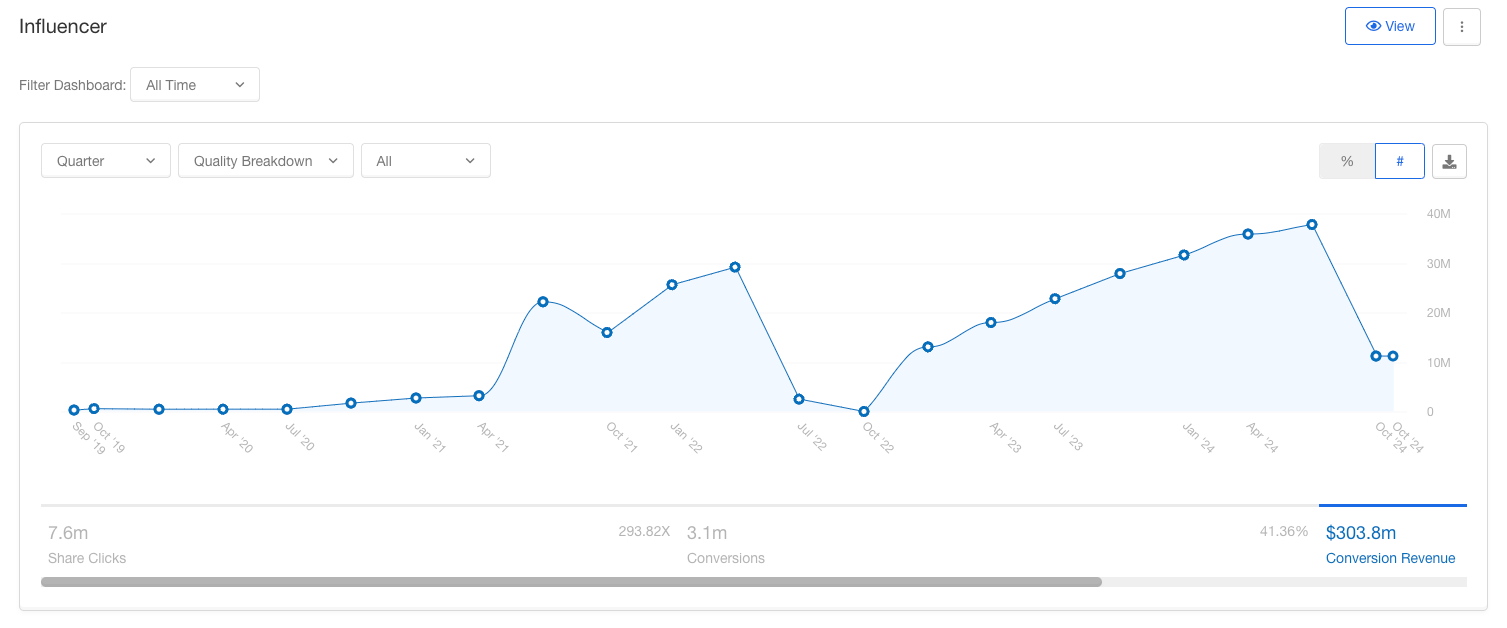
The Influencers
Now you can view, add, and edit influencers right from the program page.Influencer Details
All of your influencers’ important details are listed in the Influencers table. Here you can see their email, first and last name, share link or code, and stats. You can even click on their email address to be taken to their profile.
Adding / Editing Influencers
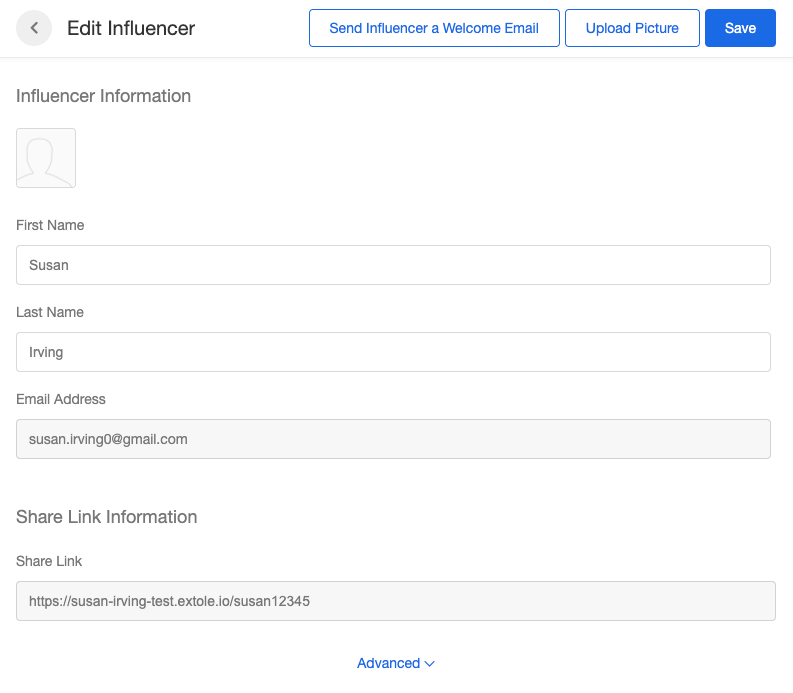
Adding a new influencer is easy! Click the ”+ New Influencer” button or the edit icon next to an existing influencer and you’ll see this view: