
Overview
Invite team members from Settings so they can register and sign in to My Extole.Invite a Team Member
- In the left navigation, click Settings. You can also open Settings directly.

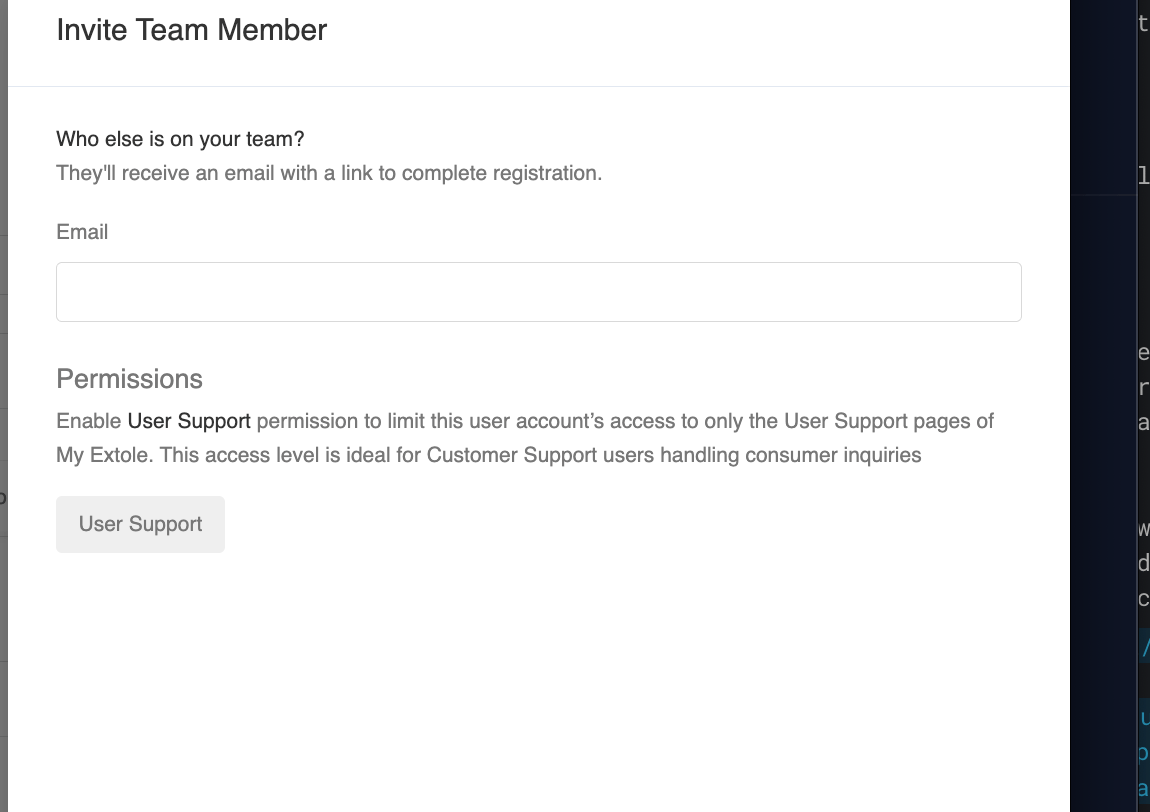
- In the Team section, click + New Team Member. The Invite Team Member drawer opens.

- Enter their email address.
- Under Permissions, leave User Support unselected to give them full Admin access. Select User Support to limit them to the User Support pages of My Extole. For what each role can do, see User Roles & Permissions.
- Click Invite.
- They follow the link in the invitation email and set a password before they can sign in.