Overview
You just received an email inviting you to get started with Extole. You’ll need to follow these three easy steps:- Create your company’s account
- Create your user
- Invite your team
Create an Account
To create your company’s Extole account, follow the link in your invitation email from Extole. You’ll see the following screen where Company Name and Program Domain are pre-filled with values setup by your Extole representative who generated your invitation: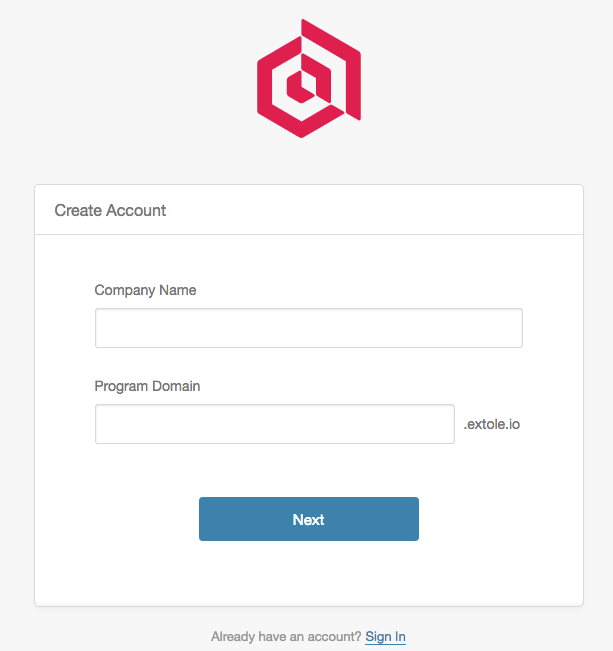
Create a User
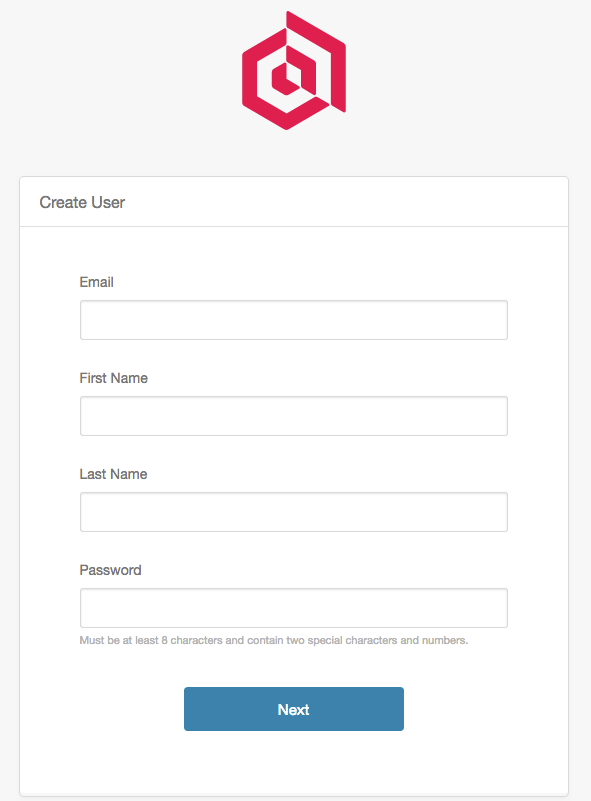
Fill out the necessary fields associated with creating a user. The fields include your email address (this will be your username when logging into Extole), first name, last name, and password.