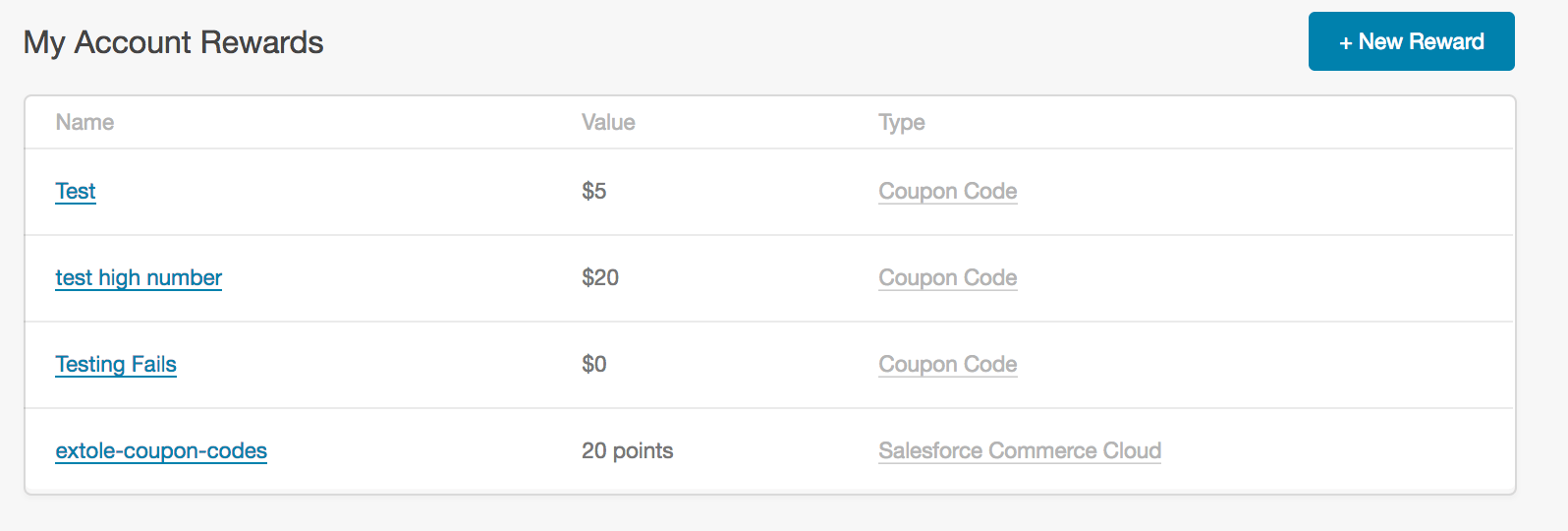
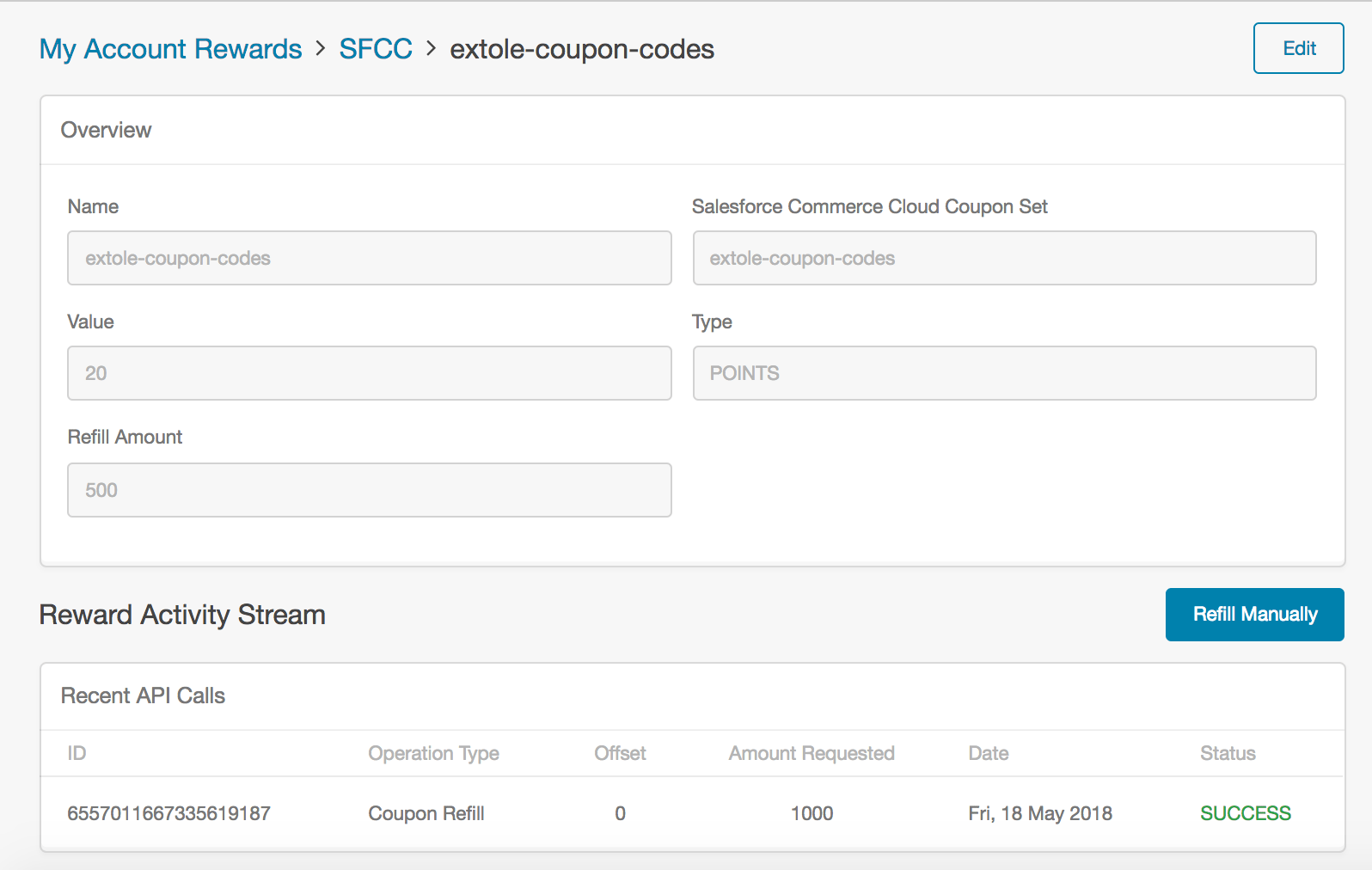
Overview
You can use the Extole Salesforce Commerce Cloud Cartridge as a reward option. This integration allows you to automatically replenish coupons without the need to upload coupon codes into My Extole.Connect Salesforce Commerce Cloud to Extole
The first step of enabling this reward option is to install and configure the Extole Cartridge. You can follow our guide on this process here: Salesforce Commerce Cloud (SFRA).Set Up Your Integration in My Extole
In your My Extole account, navigate to Tech Center > Integrations. Click on the SFCC tile to set up your integration. You will need to enter your SFCC account information. Once your accounts are linked, you will need to set up your coupons in the Rewards center of your My Extole account.Configure SFCC Coupons in My Extole
Go to the Rewards page of your My Extole account. Click the + New Reward button in the top right corner of the page and select Salesforce Commerce Cloud.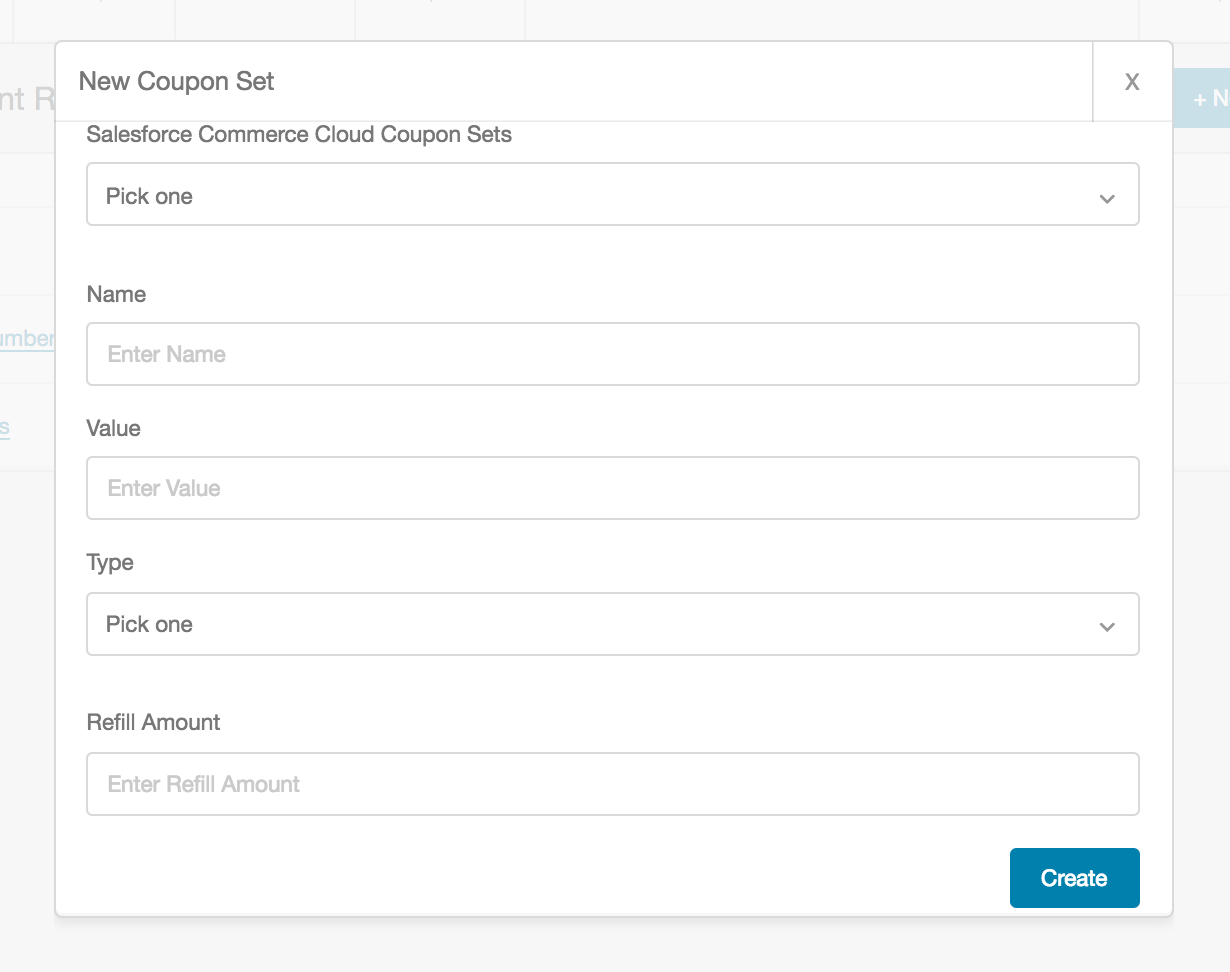
- Name: This will automatically pull from the SFCC Coupon Set. If you want to rename it in our platform you can.
- Value: This is the value of the coupon codes you are configuring.
- Type: This is the type of coupon code (e.g., USD, percent off, credits, etc.)
- Refill Amount: This is the number of coupon codes you will want automatically refilled when you hit a minimum threshold.
Viewing Your Reward and Troubleshooting
Once your reward is created, you can click on either the specific coupon set or the reward type itself.