Adding a Program Domain
Program Domain set up provides a way for you to manage information about your website and program. This information is independent of any individual referral campaign you might be running. To configure or look up your site’s information, navigate to the Tech Center and use the pencil icon to edit your program domain or the + New Domain button to add one.
Configuration Options
On the creation page, you will see the following configuration options.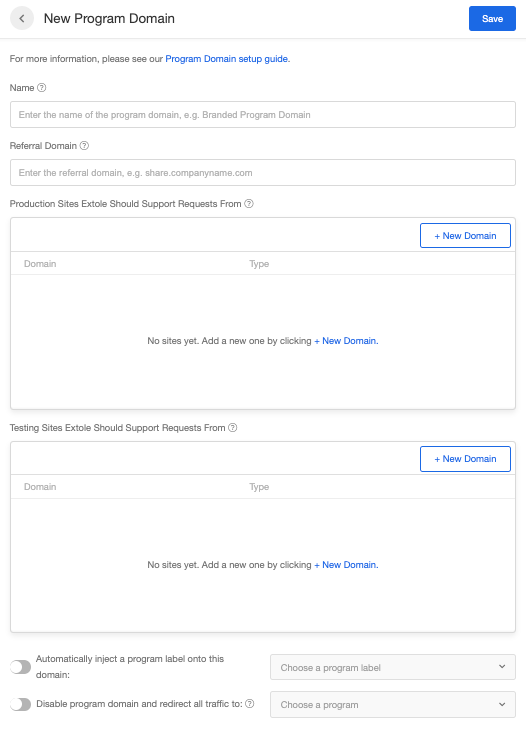
Advanced Configuration
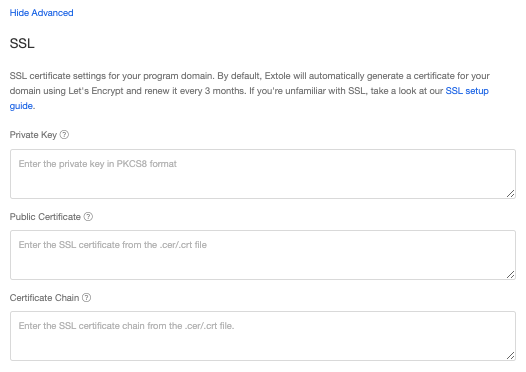
You can open the Advanced menu on the domain configuration screen to access SSL settings.