
Overview
Data shows that customers acquired via referral are up to 5x more likely to share. These customers were introduced to your referral program, took advantage of the friend offer, and converted into customers. Now it’s time to turn these newly acquired customers into advocates. Encourage these customers to continue the cycle of sharing. There are a few steps to take to drive friends to become advocates:- Promote with a confirmation page autopop
- Promote with a Mail After Purchase email
- Learn more about how and where to promote your program here
- Run a retargeting report to find potential customers
- Send a targeted and trackable promotion to specific segments
- Select a cadence
Promote with a Confirmation Page Autopop
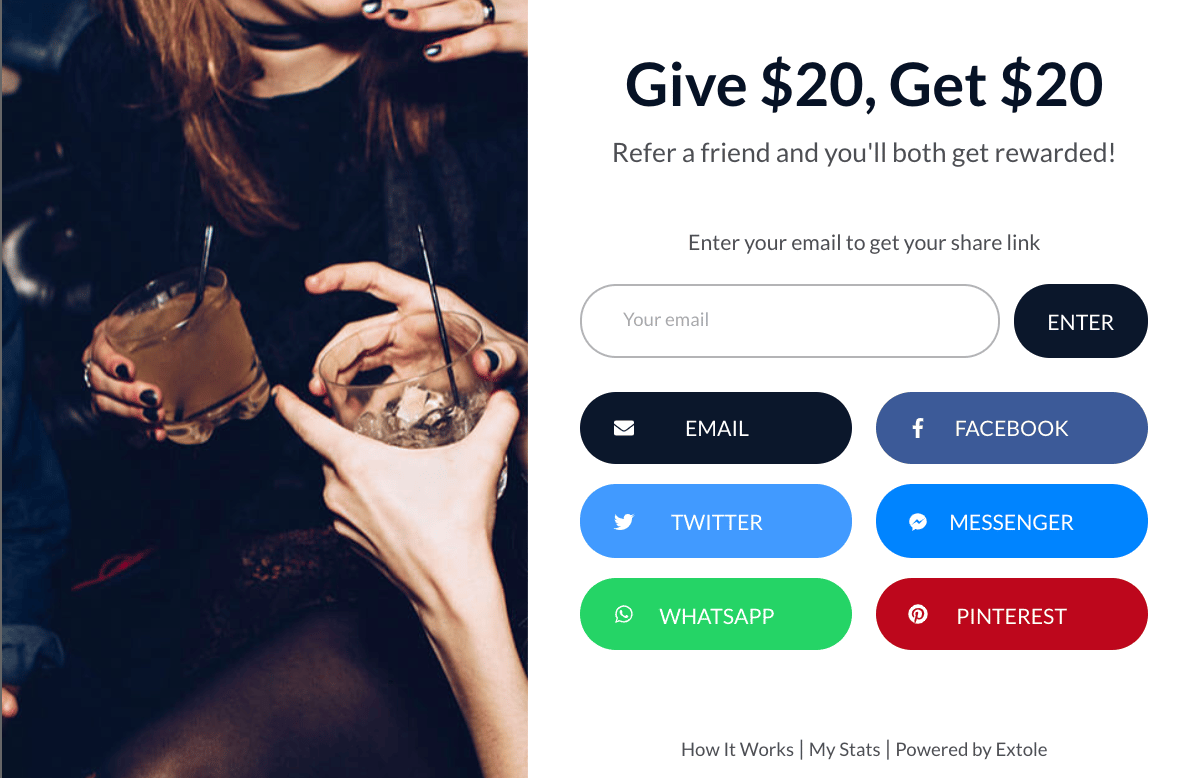
- Pop-up share experience that loads over the purchase confirmation page (best practice)
- Static call-to-action (CTA) on the purchase confirmation page
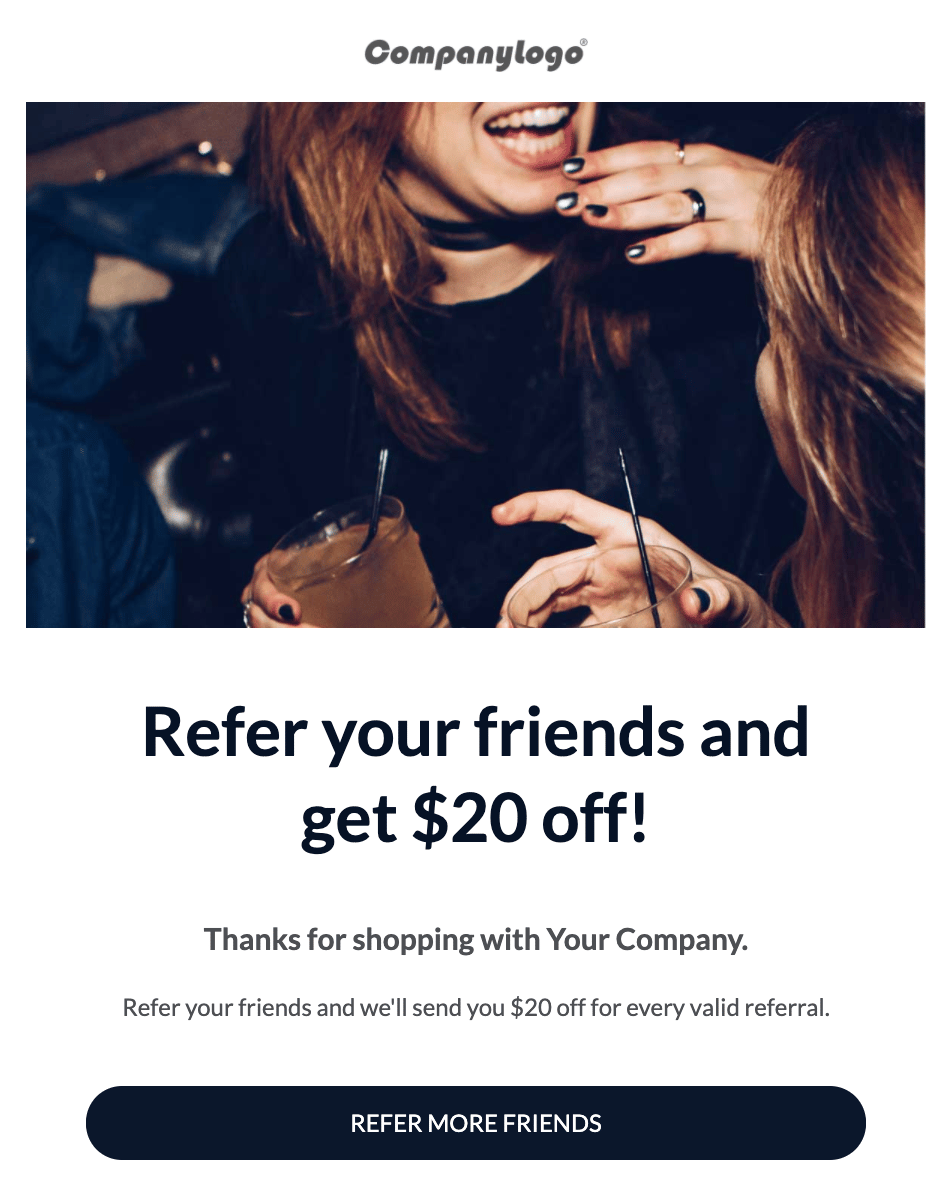
Promote with a Mail After Purchase Email
Run a Retargeting Report to Find Potential Customers
We have two Friend Retargeting reports you can use. The first, called Friend Retargeting, provides a list of all friend email addresses that were shared with and whether or not they converted. The second, called Incomplete Journey, allows you to configure the steps someone has reached more granularly. For example, you can ask “Who were the people who registered, but haven’t converted?” or “Who were the people who were referred, but haven’t converted?”. Running either of these reports allows you to target a specific promotion of your referral program to people who have already engaged with the program in one way or another.Send a Targeted and Trackable Promotion to Specific Segments
Once you have a segment you’d like to promote the program to, it’s important that you create a unique promo link for each type of promotion you plan to send — whether that’s via email, Facebook, Twitter, etc.. This way, you can measure the performance of each individual program promotion. Simply create a unique promo link for the appropriate promotion, send the promotion to a targeted customer segment list, and come back to the dashboard to monitor its performance. Here’s how:- Navigate to your program dashboard
- Scroll down to the Promotions dashboard and click the “Promote” button
- Create a unique promo link for each new promotion you plan to run. Having a unique promo link per promotion ensures you can measure the performance of each promotion individually. You’ll then be able to access the promotional data as a unique line in your program data export.
- Place the unique promo link in your outbound promotion. For example, place a unique link in your marketing email or Facebook retargeting ad.
- Come back and monitor promotion performance in the Extole dashboard.