Overview
Creating strategic, trackable promotion links is key to boosting awareness and driving as much acquisition out of referral. This guide outlines how to create and manage Promotion Links directly from your dashboard. Looking for best practices on marketing your program? Check out How to Market Your Program.What is a Promotion Link?
A Promotion Link is a program-specific URL that leads to your sharing experience and tracks as a source across Extole reporting (ex. share.yourcompany.com/narvar-email). Where a promotion link sends people, and whether their browser keeps the link’s address, is set by the campaign’s Destination for Clicks on Promotions setting. See What Each Destination Value Does.Creating a Promotion Link
Promotion (promo) links are tied to the programs under which they are created. Complete the following steps to add a new promotion link to your program or campaign.- Navigate to your Programs page and select the appropriate program or campaign to view the dashboard
-
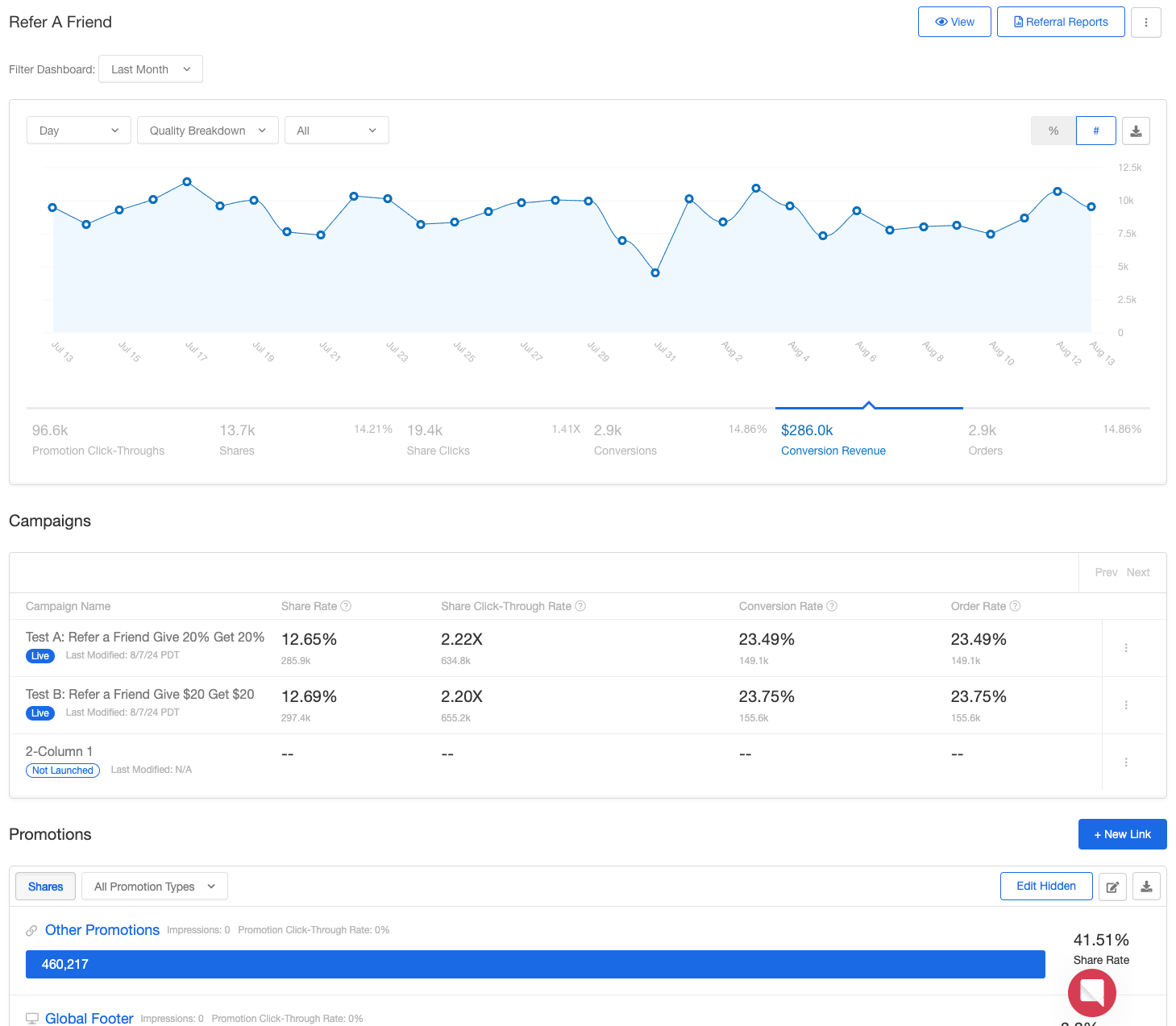
Scroll down to the Promotions section and click + New Link.
- In the drawer that opens:
- Select your base URL.
- Enter a unique name for the link.
- Ensure the Program Domain dropdown is set to your branded domain.
-
Click Add
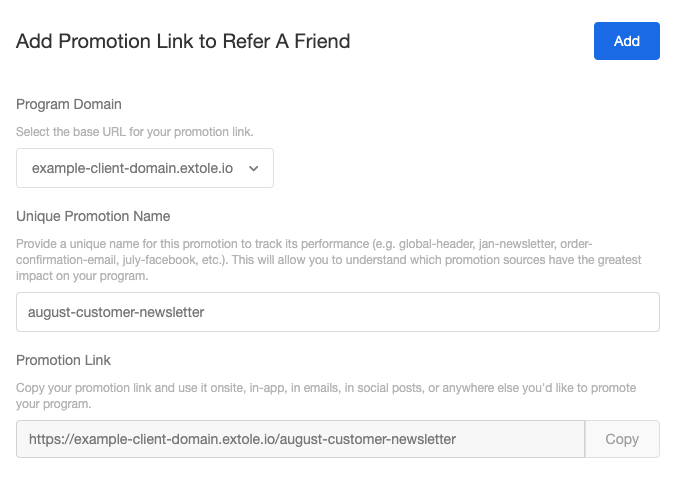
- Copy this URL and add to your email, onsite banner, or other CTA
Promo Link Best Practices
##** Create Unique Links for Each Promotion **Use a separate Promotion Link for each channel, message, or campaign. This enables clear performance tracking for each initiative. ##** Monitor and Optimize Track how each link performs from the Programs page **. Use these insights to adjust your referral program strategy and drive the behaviors that matter most.Frequently Asked Questions
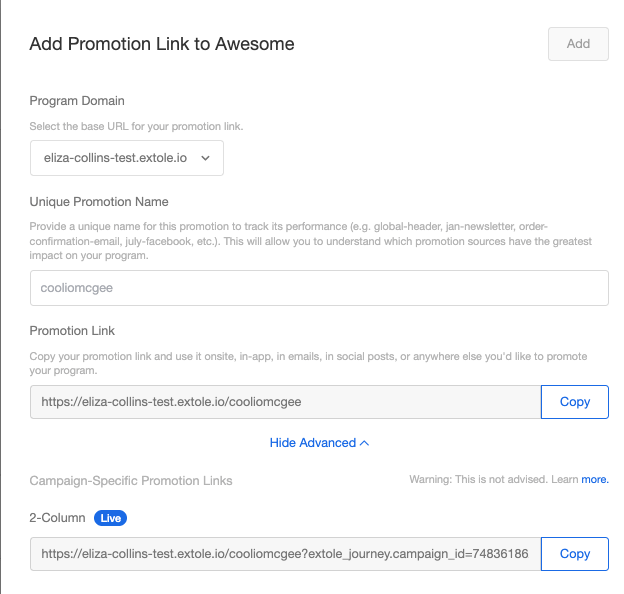
##** Are there any limitations to promotion links? **Promotion Links should be short, simple, and easy to remember. Use dashes (not underscores) for readability. Link aliases are limited to 50 characters. ##** Where can these links be used? **Promotion Links can act as CTAs when marketing tags aren’t in use. They can also be embedded in emails to track performance. ##** Is there a limit to how many promo links I can create? **No, you can create as many as you need. ##** Why would I want to create promo links? **Promotion Links help track campaign performance, identify top-performing channels, and give you the flexibility to launch new promotions quickly. ##** Can I create a promo link for a specific campaign? Yes. When creating a new link, click Advanced** to generate a campaign-specific version.