
Deep Links to Trigger Advocate Experiences
Your team can set up deeplinks to open your app on an advocate’s device and automatically display the share experience.With an Extole Mobile SDK
When using Extole’s SDK, you can use theextole.sendEvent() method every time the app is triggered to be opened by a deep link. Simply pass in the data parameters to the sendEvent() call and Extole will only show when there are Extole-related keys within the parameters.
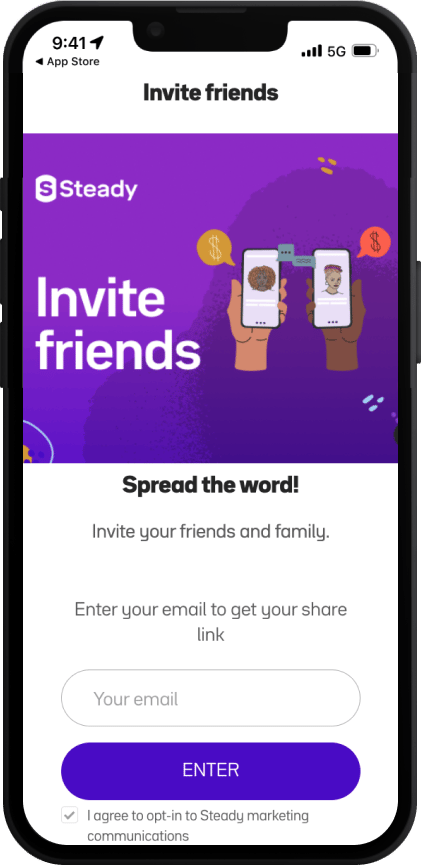
Without a Mobile SDK
Your team can configure actions so that they occur when a deep link is opened in app. For the deep links you’ll use to trigger the share experience, ensure that they open the app and then trigger the microsite or advocate share experience for the user. Alternatively, your team can configure your app to listen to promote links for your program. This option will cause the app to open when a user taps on any link that is a part of your branded program domain (e.g.,share.companyname.com).
Deep Links in the Friend Flow
A typical experience for app-first clients on the friend funnel is as follows:- The friend taps on a share link.
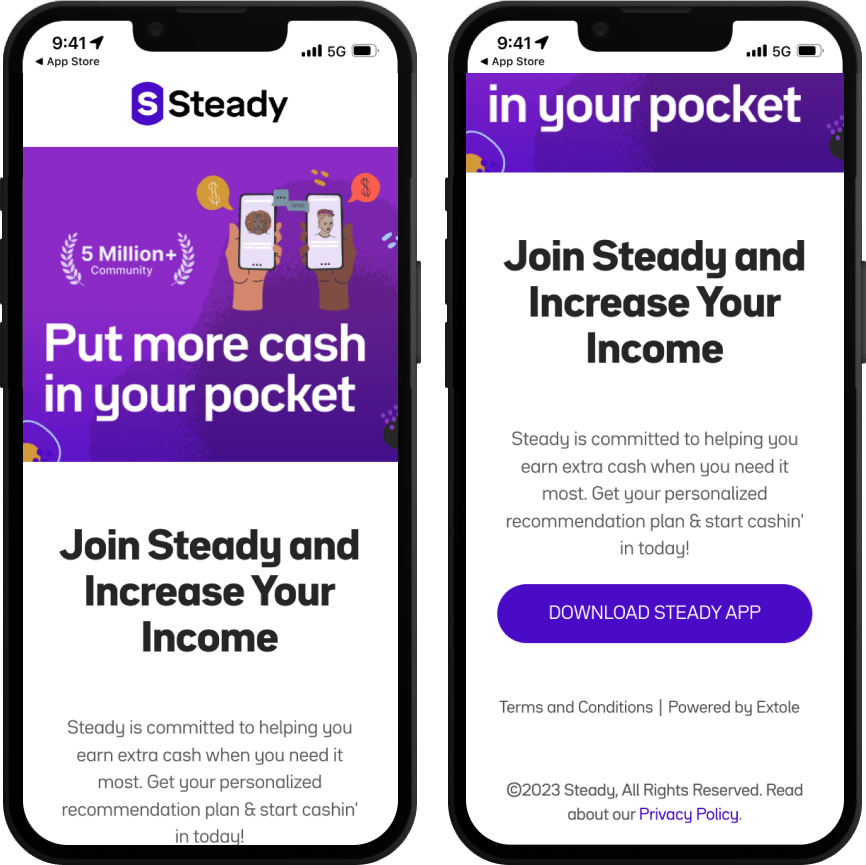
- The friend is directed to the Extole microsite, which provides information about your app and the offer they’re receiving.
- The friend taps the button on the microsite to download the app. This is your deep link to send the user to the app store. Extole passes advocate data into this link using query parameters to make it available in the deep link context when the user opens the app after it is installed.
- When the friend opens the app, the advocate data will be available through your deeplink provider. Be sure to include the advocate data when you send your initial event from the app to Extole so that we can properly attribute the referral.
Extole Attribution via Deep Links
Typically, Extole generates share links in your branded domain likehttps://share.yourcompany.com/sharelink". These links will redirect to a standard link of your deep link provider (e.g., AppsFlyer) with Extole’s attribution information tacked on as parameters. Your SDK integration then passes these parameters back to Extole via events.
What the Redirect Carries
When the share destination is your deep link, no Extole page renders on any device. The only thing that carries the referral across the app store is the query string on the redirect, so it is worth knowing exactly what is in it:extole_zone_advocate_code: the advocate whose link was clicked.extole_zone_share_channel: the channel the share was made on.- Your UTM parameters, and anything you add to the destination address’s own query string. A
parameter such as
extole_zone_shareable_code={[shareable.code]}added there is filled in with the advocate’s share code on every redirect.
On a referred friend’s profile, this path records the referral at the moment of the app’s first
event, with no click or landing page event before it. That is the expected shape when no Extole
page rendered, not a sign that tracking was skipped.