Images bring life to your referral and engagement programs and reinforce your brand to current and prospective customers. Creating an Extole-powered program that matches the look and feel of your site or app is easy. This guide has all the information you need to provide your creative team to generate images for your program.
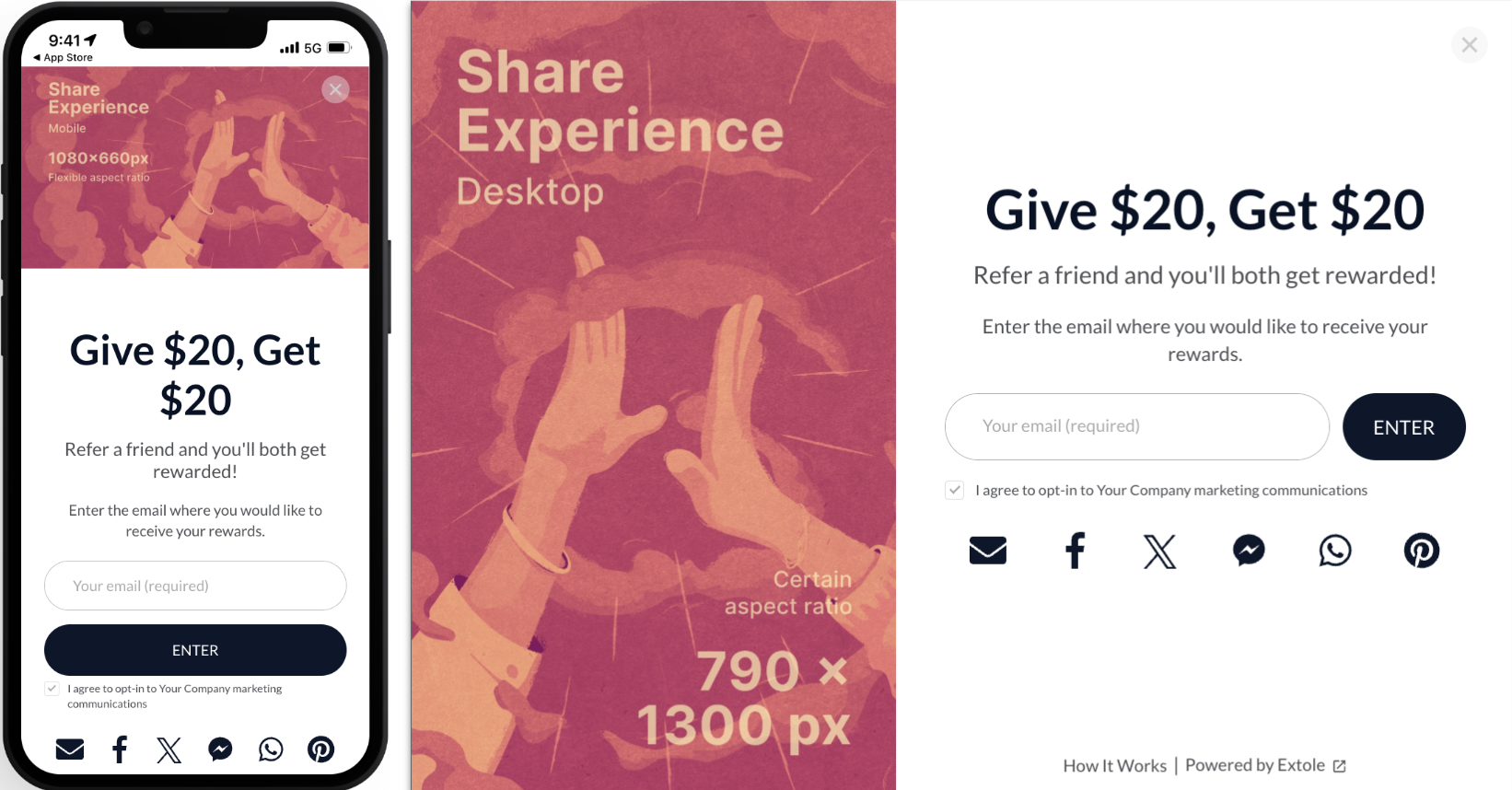
Every image below starts as a placeholder, and placeholders go live with your campaign.A new campaign ships with stand-in artwork in each of these slots: a pink and orange illustration with the slot’s own name and pixel dimensions printed across it, such as “Microsite Banner 2800 x 800px”. It is there so a designer can see what to draw. Nothing hides it before launch and nothing warns you about it, because the setting is filled in. The campaign publishes, the consumer pages render normally, and they render wearing the stand-in artwork.Replace every slot your campaign uses before you launch, and give particular attention to the three that a visitor never sees on the page you are looking at. The Social Share Image is the preview a friend sees in Messages, WhatsApp or Facebook when your advocate shares the link, and it is served only to the social network’s crawler, so it appears on no page you can open. The Mobile variants of the microsite banner, share experience and friend landing experience replace their desktop counterparts below 480 px wide, so they never appear on a desktop screen. The Email Banner Image is set once and used by every email in the program.To see what is live, open your microsite and your friend landing page on a phone as well as on a desktop, and share your own link to yourself to check the social preview.
All images should be in .jpg or .png format and their size must not exceed 3МВ. You can use any online image compressor to reduce file size. Extole also supports .gif formats.Recommended image size: This is not the actual size of the container — it has the same aspect ratio as the container, but takes into account higher PPI to maximize quality.Aspect ratio: This is either certain or flexible. Certain means you have to upload an image of exact proportions. If an image’s aspect ratio doesn’t match the container’s aspect ratio, it will either be cropped or the empty space will be filled with a background color. Flexible means you can ignore the recommended image size.Container behavior: This determines the vertical and horizontal behavior in relation to your browser window. Fill means the entire available width or height is filled, with the other axis scaling proportionally. If we’ve included a min/max parameter, that means resizing will stop once the limit has been reached. Fixed means the image size doesn’t change, though it may crop or appear as your browser window increases/decreases.Absolute position: This means that the image doesn’t push/pull surrounding content when resized.