> ## Documentation Index
> Fetch the complete documentation index at: https://docs.extole.com/llms.txt
> Use this file to discover all available pages before exploring further.
# Inviting Team Members
> Once you have completed the Extole registration process and your account has been created, you may invite your team members to join.
# Overview
Once you have completed the Extole registration process and your account has been created, you may invite your team members to join.
# Steps
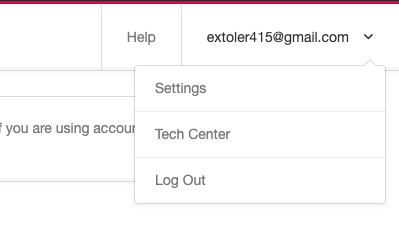
1. Click the drop-down menu located on the top right corner of your browser window. From the drop-down, select **Settings** *.*\
\
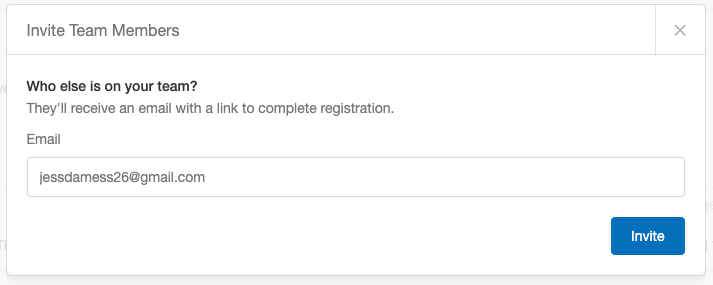
 2. In the Team section, click the **+ New Team Member** button. A popup window will appear, enter the email of the person to add to your team and click **Invite**.\
\
2. In the Team section, click the **+ New Team Member** button. A popup window will appear, enter the email of the person to add to your team and click **Invite**.\
\
 3. Before gaining access to the platform, the new team member must complete the registration process by following the link in the invitation email and setting a password.