> ## Documentation Index
> Fetch the complete documentation index at: https://docs.extole.com/llms.txt
> Use this file to discover all available pages before exploring further.
# My Account Settings
> The My Account page in your My Extole account allows you to manage brand-level settings, like company name, logo, website, and primary fonts and colors. These settings are then passed down to your Extole programs and campaigns, giving you a…
# Overview
The [My Account](https://my.extole.com/account-settings) page in your My Extole account allows you to manage brand-level settings, like company name, logo, website, and primary fonts and colors. These settings are then passed down to your Extole programs and campaigns, giving you a solid foundation of branded styles to work with and making new program creation a breeze!
You can access your My Account Settings from the My Account button on your [Programs](https://my.extole.com/programs) page, from your [Settings](https://my.extole.com/settings) page, or through the breadcrumb menu at the top of the Campaign Editor.
 # Key Features
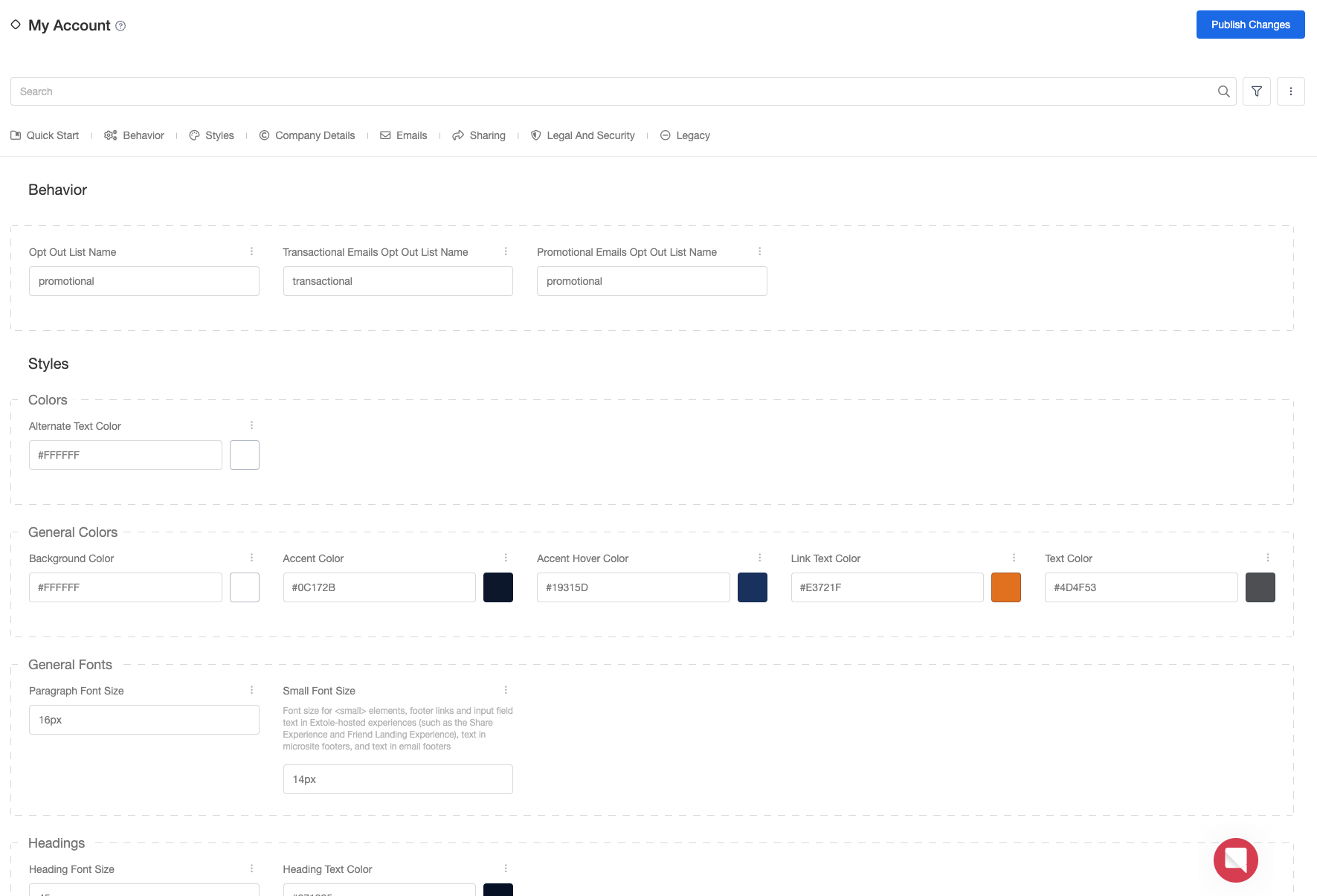
You may notice that the My Account page strongly resembles the Campaign Editor. This is intentional since the settings you configure on your My Account page will be reflected in the Campaign Editor for all your programs and campaigns.
Let's review the key features of your My Account page.
## Categories
Categories are located just below the search bar. By default, all of the settings are visible to you at once. You can filter the settings by selecting one of the categories.
# Key Features
You may notice that the My Account page strongly resembles the Campaign Editor. This is intentional since the settings you configure on your My Account page will be reflected in the Campaign Editor for all your programs and campaigns.
Let's review the key features of your My Account page.
## Categories
Categories are located just below the search bar. By default, all of the settings are visible to you at once. You can filter the settings by selecting one of the categories.
 ## Reset Changes
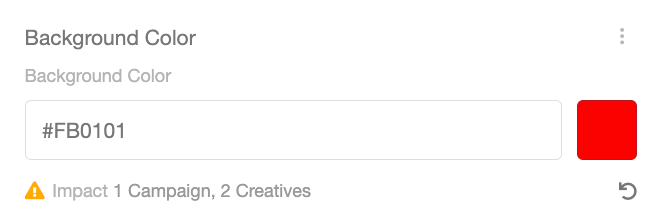
After you change a setting, a Reset icon (counter-clockwise arrow) will appear. You can click this icon to quickly revert your changes.
## Reset Changes
After you change a setting, a Reset icon (counter-clockwise arrow) will appear. You can click this icon to quickly revert your changes.
 ## View Impact
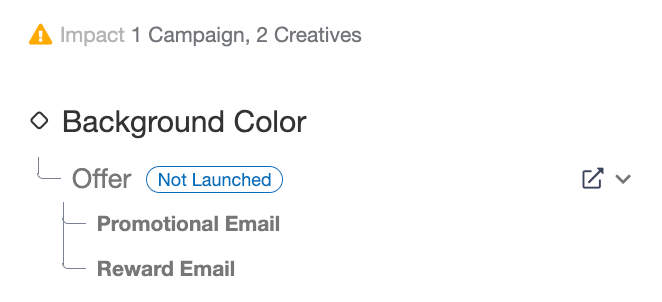
Settings changed on the My Account page will impact your programs and campaigns. When you update a setting, you will see an Impact statement that tells you how many campaigns and creatives are affected by the change. You can click on the Impact to view the specific campaigns and creatives and navigate to them if desired.
## View Impact
Settings changed on the My Account page will impact your programs and campaigns. When you update a setting, you will see an Impact statement that tells you how many campaigns and creatives are affected by the change. You can click on the Impact to view the specific campaigns and creatives and navigate to them if desired.
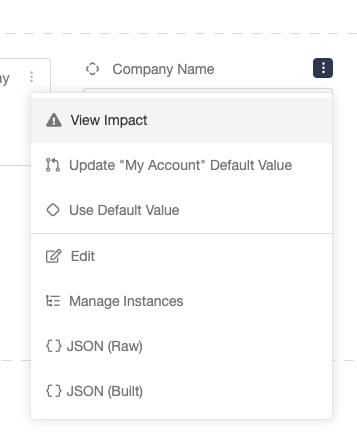 If you would like to view a setting's impact without updating it, you can open the kebab menu to the right of the setting and select View Impact.